Mask any sensitive area
Cover or block parts of your Mac screen—names, emails, balances, messages, tokens, or internal UI—without changing the source app.

Place resizable screen overlays to cover or blur any part of your Mac screen—hide sensitive info and block distractions during recordings, demos, presentations, and everyday work.

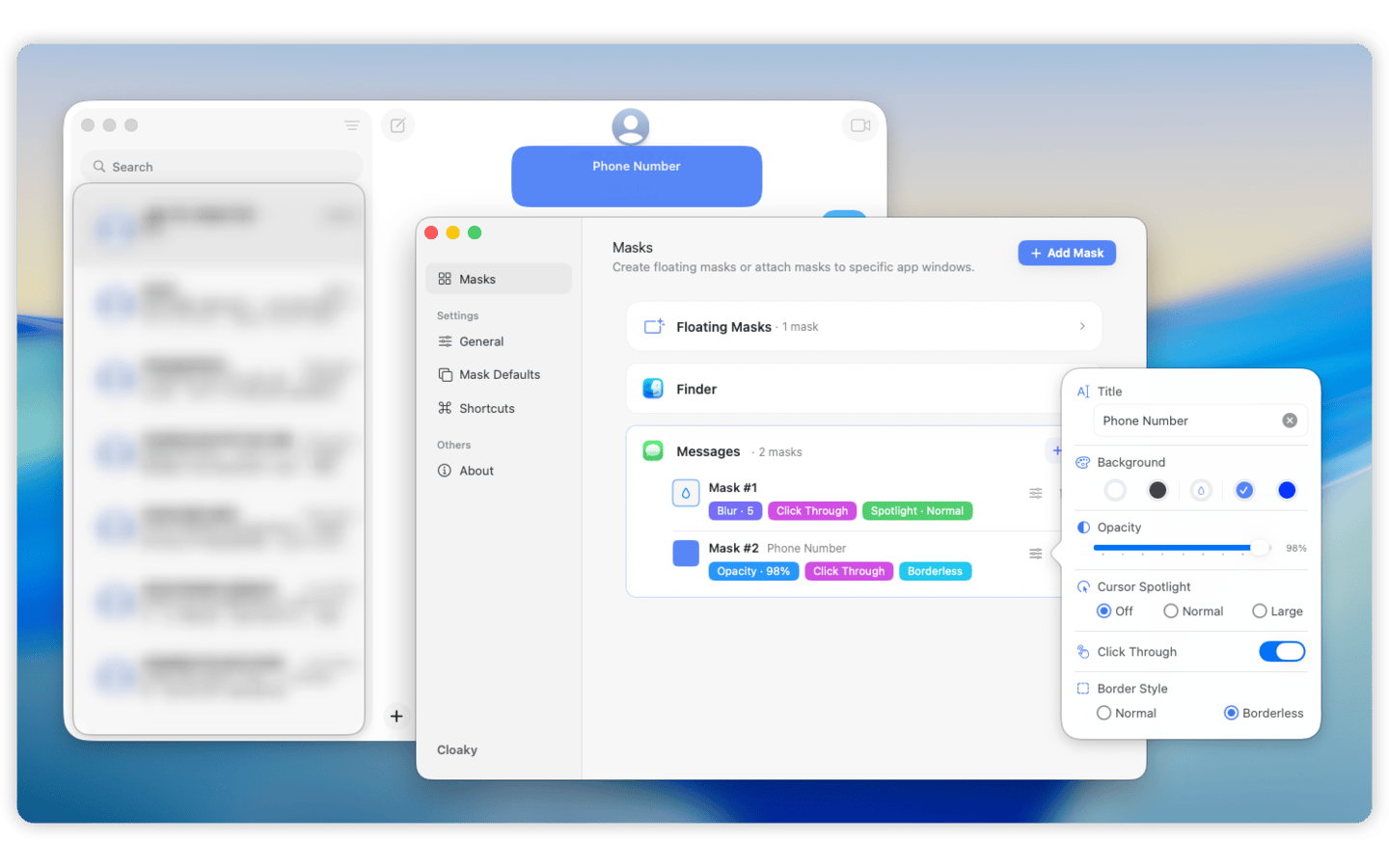
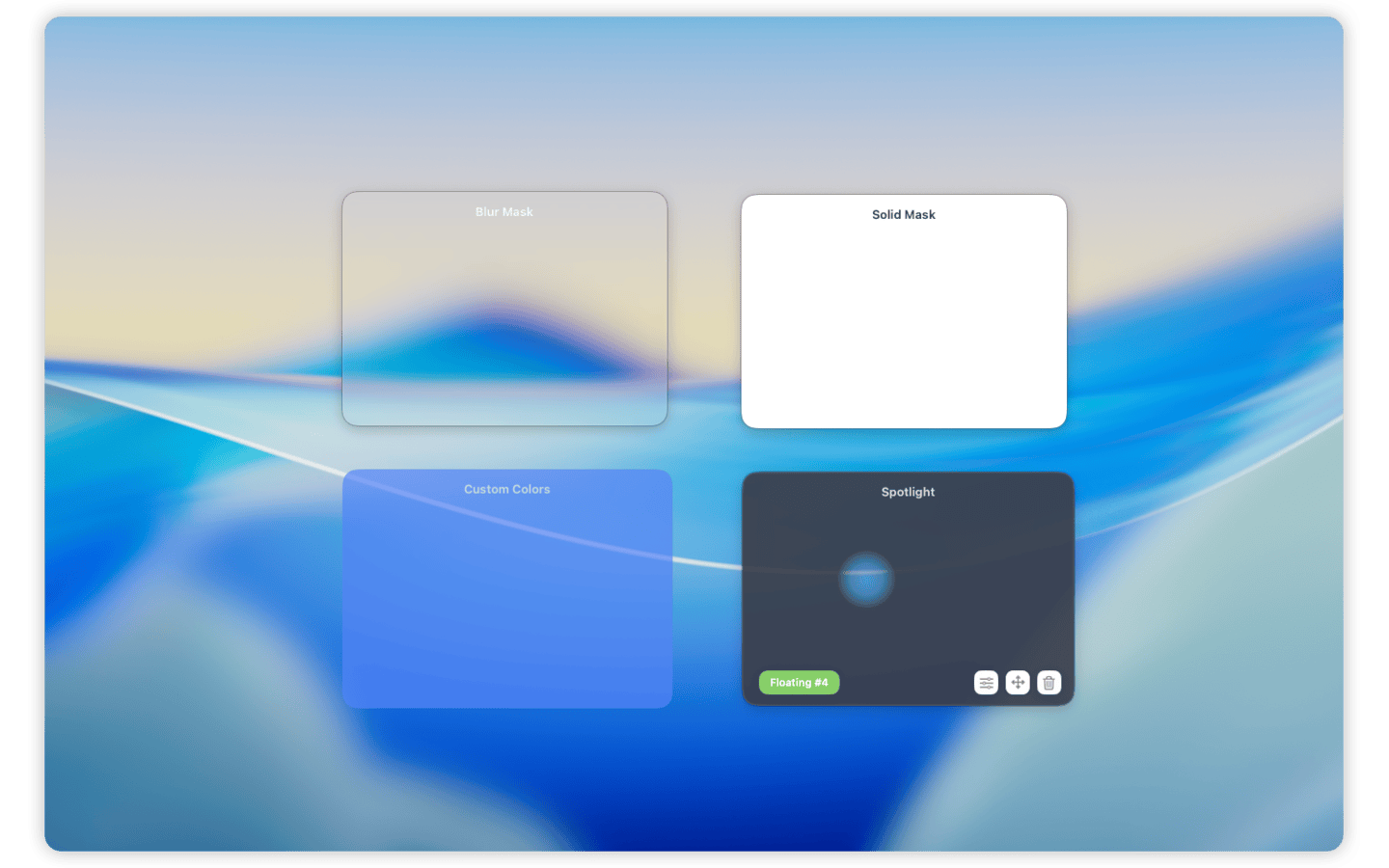
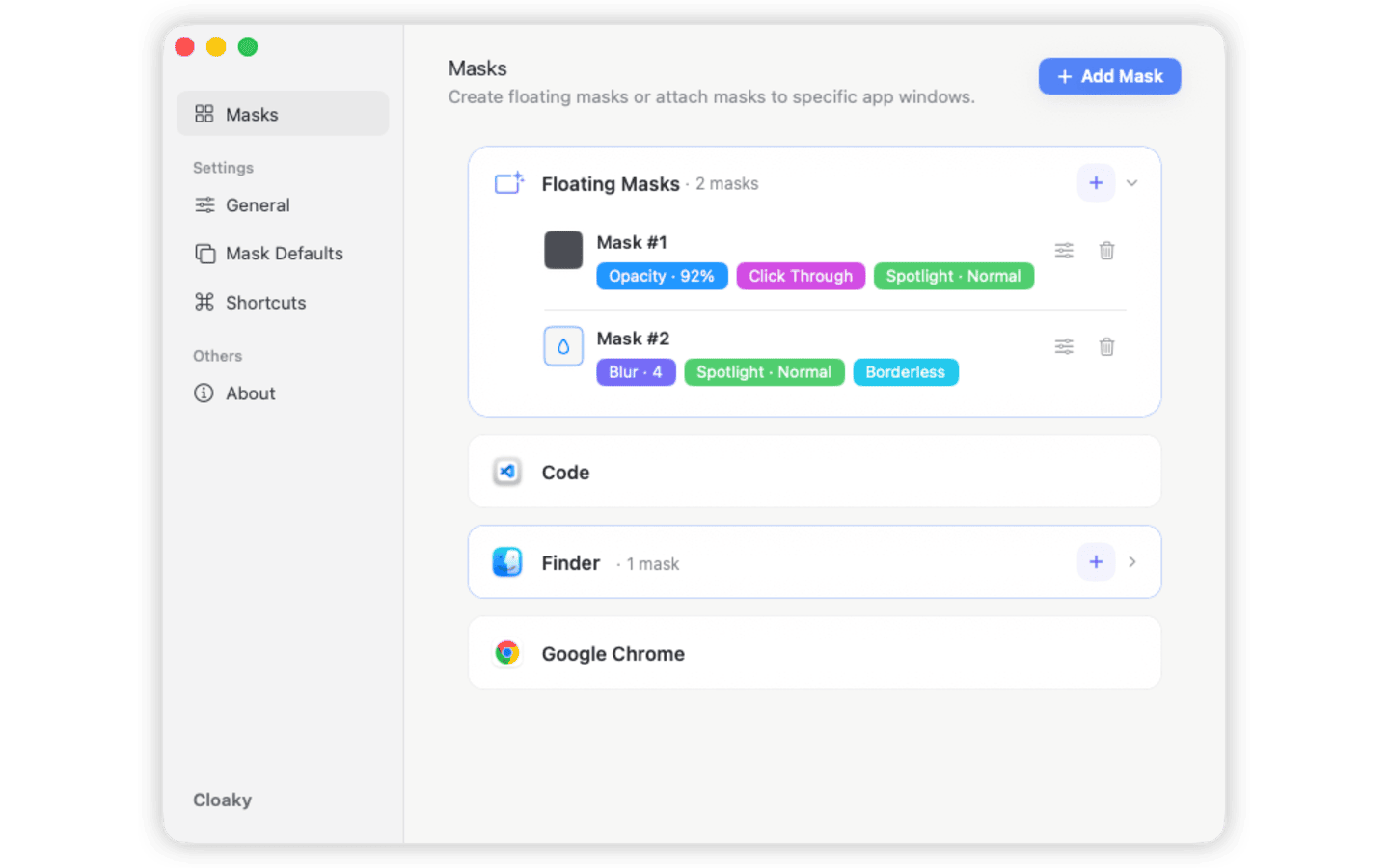
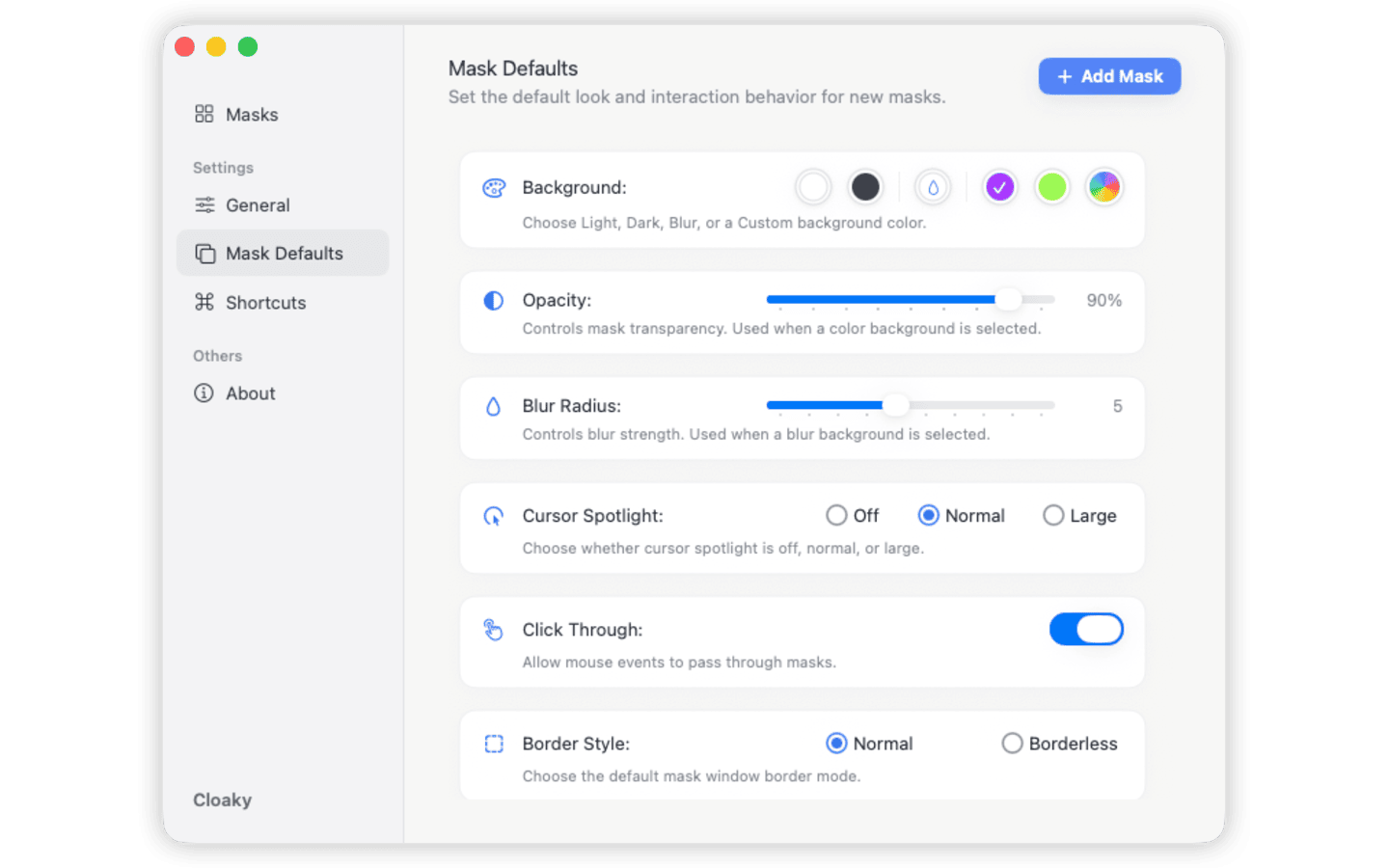
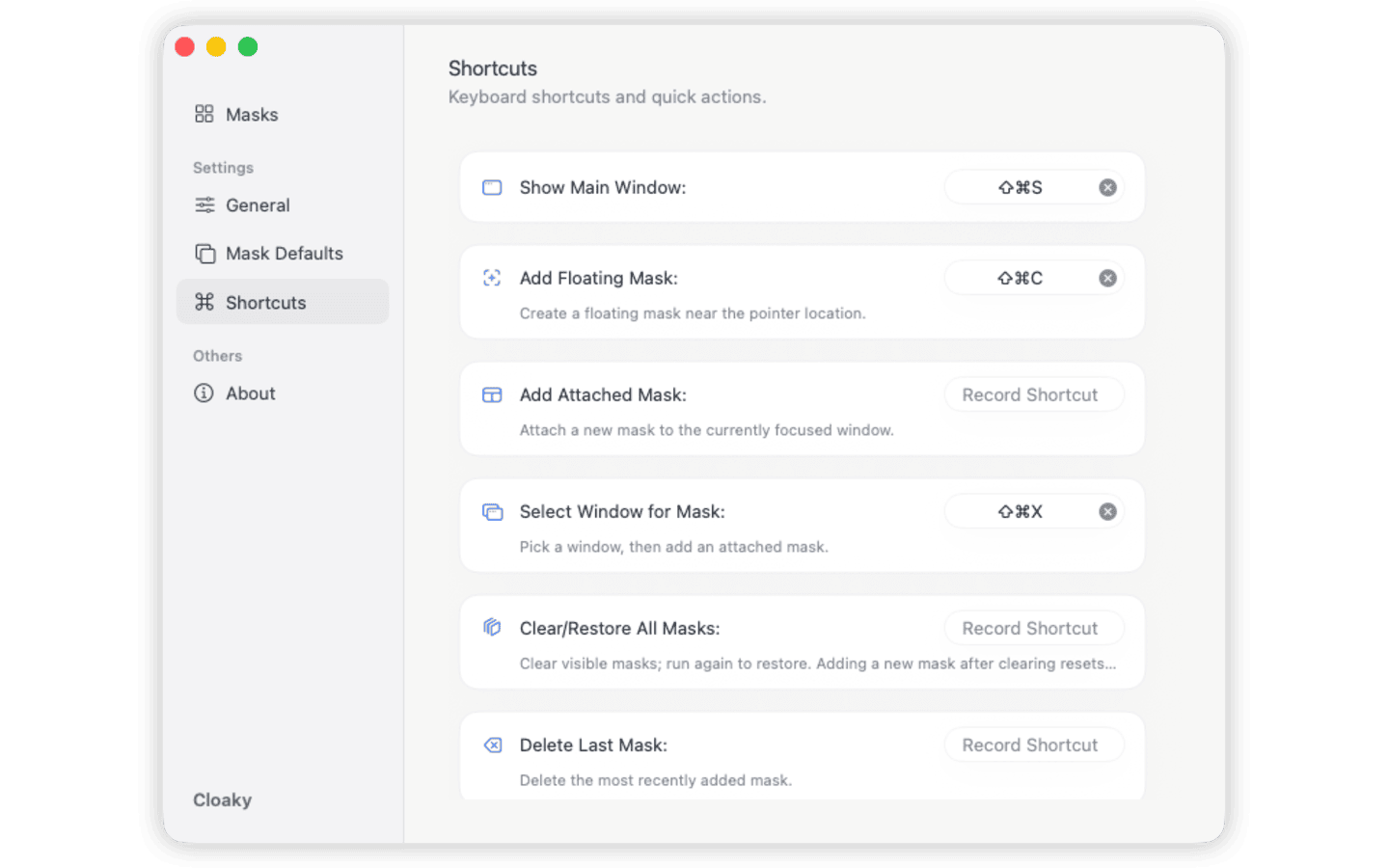
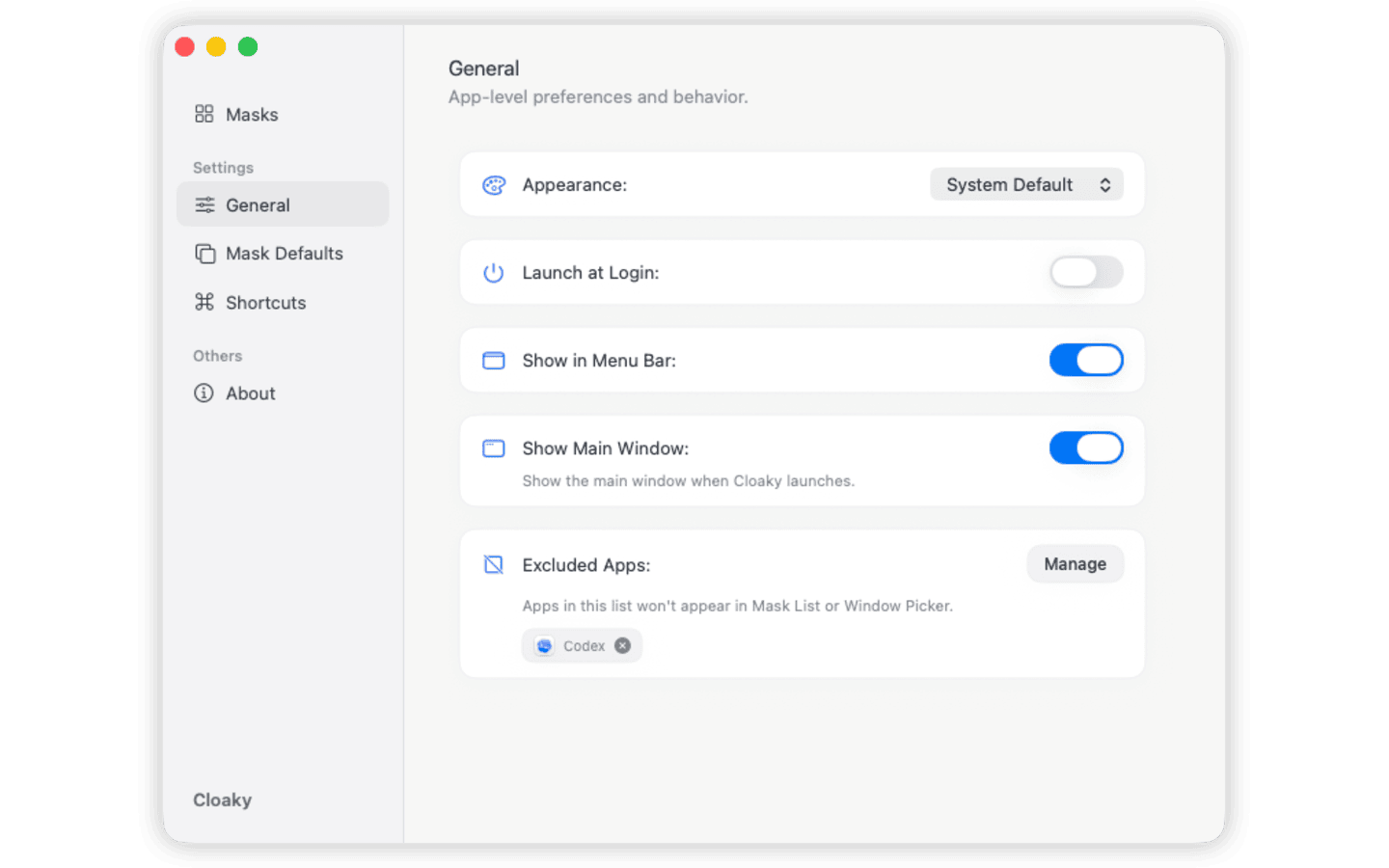
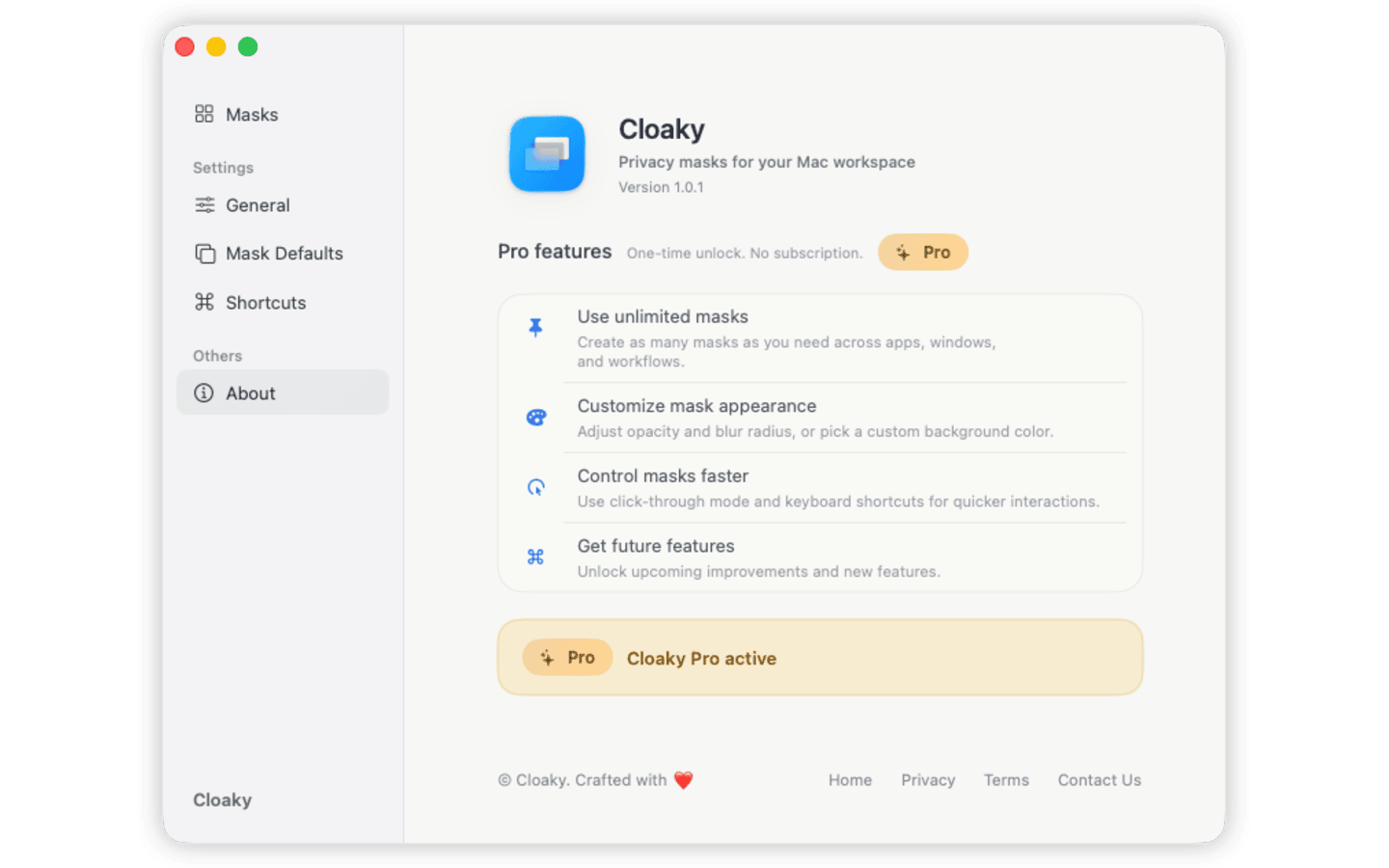
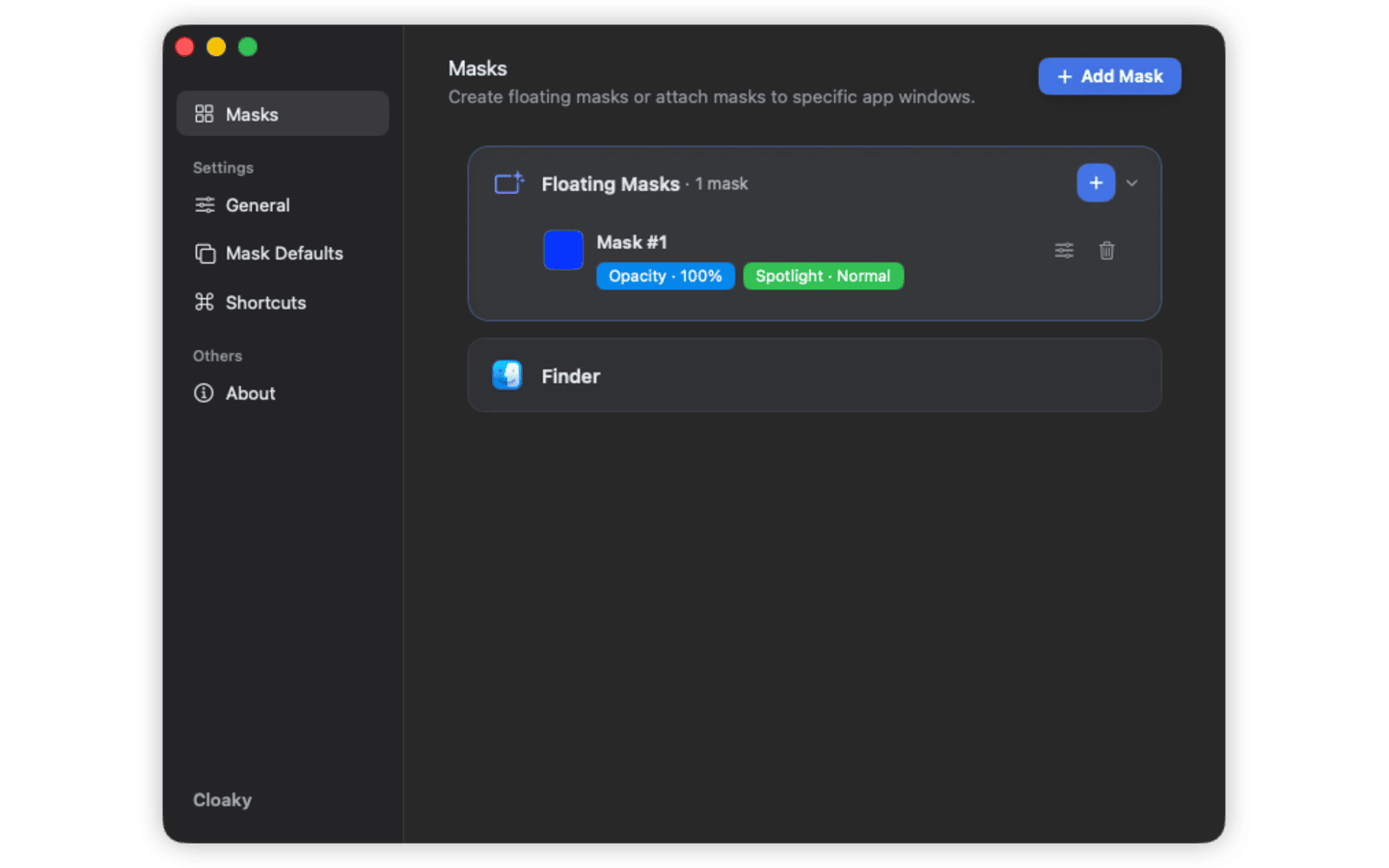
Cloaky is not a screenshot blur toy. It gives you live, adjustable screen overlays (privacy masks) that cover or blur parts of your screen while you work, present, or share your full screen.
Cover or block parts of your Mac screen—names, emails, balances, messages, tokens, or internal UI—without changing the source app.
Blur part of your screen or use a solid screen overlay. Switch between blur, fills, spotlight, and custom colors to hide details or guide attention.
Use floating masks or per-window screen overlays with shortcuts, so hiding private areas feels instant—not interruptive.
Cloaky is most valuable when you need to share your Mac screen but hide part of the screen. It keeps private or distracting areas out of view while you stay in your normal workflow.
Show real workflows while you cover parts of the screen on Mac—tokens, customer data, or internal-only UI.
Present flows or dashboards while you blur part of the screen on Mac to keep private details out of view.
Keep tickets, logs, and admin panels visible to you while you block private fields with a Mac screen mask.
Practical notes on hiding sensitive areas, preparing cleaner demos, and keeping private information out of sight while you work.
Stop Slack, Messages, Mail, calendar alerts, and other Mac notifications from showing up while screen sharing, recording, or presenting.
Hide, cover, blur, or dim a distracting or sensitive sidebar on Mac without changing the app layout, closing the window, or rebuilding your workspace.
Use a Mac screen overlay to cover, blur, or dim a sidebar, chat column, metrics panel, or other distracting part of your screen without resizing the window or changing the app underneath.
Explore Rulr for visual automation, Floaty for pinned windows, and Remindy for quick reminders.
If you still need help, email support@cloakyapp.com.
No. Cloaky adds masks on top of what you see, so the underlying window stays unchanged.
Yes. Cloaky is a Mac screen overlay (screen mask) that lets you cover or blur any part of your screen while recording or sharing.
Yes. You can create floating masks or attach masks to particular app windows depending on the workflow.
Yes. Cloaky supports solid masks, custom colors, spotlight behavior, opacity control, and border options.
No. It also helps with live demos, office displays, internal reviews, and any workflow where private content stays on screen.
No. In our testing, masks appear when sharing your full screen, but not when a meeting tool captures only a specific app or a single window.
That mode captures the source app window itself, not the full display where Cloaky renders its overlay on top.
Cloaky gives your Mac a fast privacy layer without forcing you to rearrange your real workspace.